




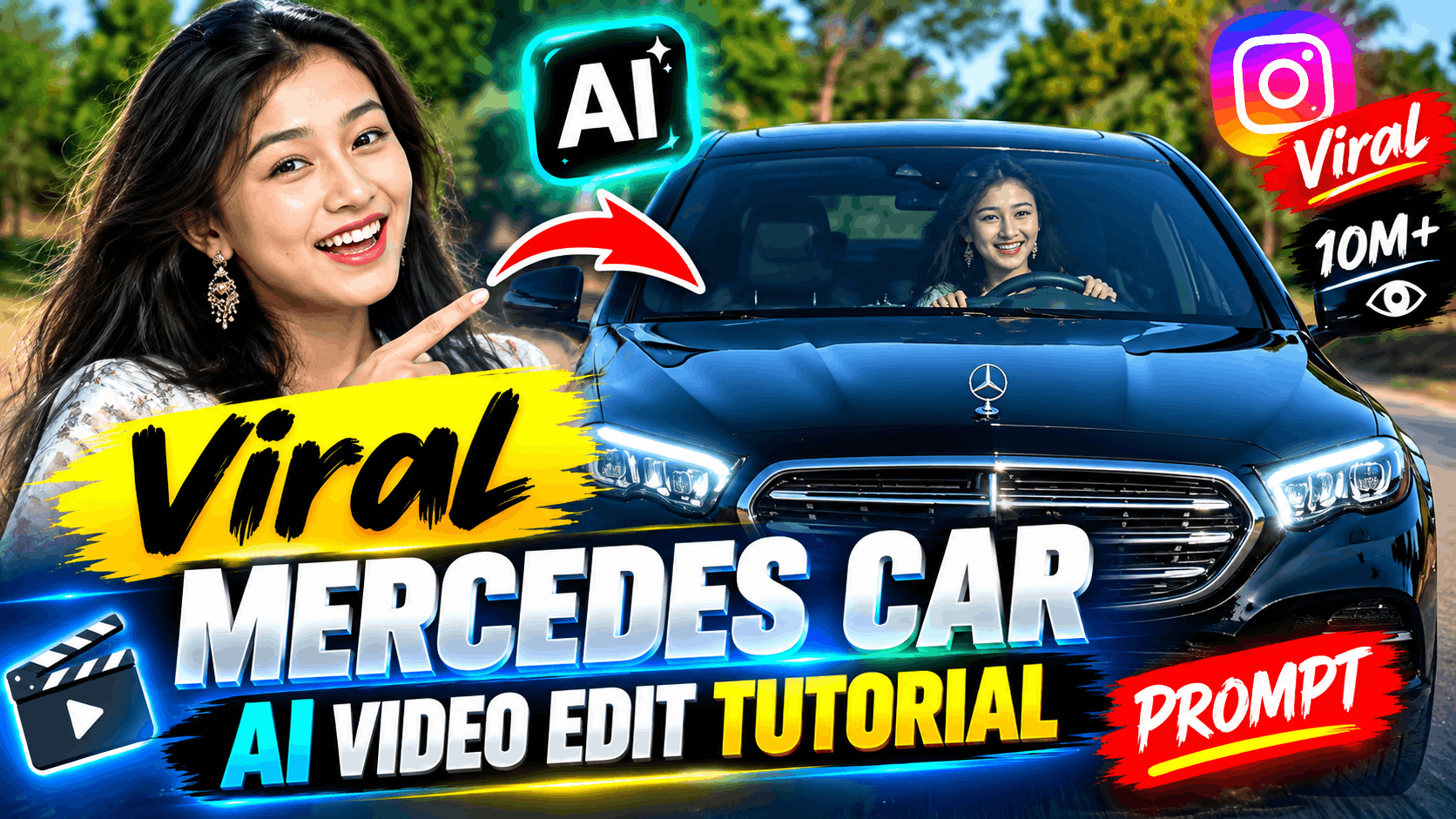
Open Instagram right now and scroll for a minute. Chances are you’ll spot someone standing next to a G-Wagon, a Range Rover, or some car they clearly can’t afford. And the comments are always full of the same question: “Bro, when did you get rich?”
Truth is, most of them didn’t. They just took one photo of themselves and let AI do the rest.
No car, no shoot, no fancy editing skills. Just a photo and a prompt. Here’s exactly how it works, explained in plain, easy language.
So What’s Actually Going On Here?
It’s simpler than it looks. You upload one photo of yourself, type a short instruction (called a prompt), and an AI video tool turns that still photo into a moving clip. In the clip, you might be standing beside a luxury car, sitting inside it, or glancing toward the camera with a little smile.
People love it because it looks shockingly real. Unless someone tells you it’s AI-made, you probably wouldn’t guess.
What You’ll Need Before Starting
- One clear photo of yourself — good lighting, visible face, no heavy filters
- Any photo-to-video AI tool — several options exist; use whichever one you’re comfortable with or have free access to
- A basic video editing app on your phone for final touches
- A trending audio clip to pair with the video
Step-by-Step Process
Step 1 — Pick the right photo
This decides almost everything. A blurry, dark, or over-filtered photo confuses the AI and gives messy results. A sharp, well-lit photo gives a clean, believable video.
Step 2 — Set up your tool
Choose the photo-to-video option, set the frame size to 9:16 for Reels, and keep the clip short, around 5 to 8 seconds.
Step 3 — Upload your photo and add the prompt
Paste the prompt given below.
Step 4 — Generate a few versions
Don’t settle for the first result. Generate two or three and pick the one that looks most natural.
Step 5 — Do light editing
Sync it to a beat, adjust the colours slightly, and it’s ready to post.
The Prompt (Free to Copy)
A vertical video that looks like it was filmed on a real phone camera. The person from the uploaded photo is standing beside a luxury car in natural daylight. Their face stays exactly the same as in the photo, no changes. They look toward the camera for a moment, then glance to the side with a slight smile. The body movement is natural and relaxed, not stiff or robotic. The camera feels handheld, like a friend filming casually. Lighting and shadows look realistic. No cartoon or 3D look, no extra text or watermark.
Want to try a different mood? Swap the middle part:
- “They open the car door and sit inside, smiling toward the camera.”
- “They lean against the car with hands in pockets, looking relaxed.”
Why Your Video Might Still Look Fake (And Easy Fixes)
A lot of first attempts come out looking obviously artificial. Here’s why, and how to fix it.
Face looks slightly different — Use a sharper, well-lit photo, and add “face stays exactly the same as the photo” to your prompt.
Skin or car looks too smooth, plastic-like — Add words like “realistic skin texture” and “no 3D-render look” to push the AI toward a natural result.
Movements feel odd or jumpy — Keep the prompt to one clear action. Too many instructions confuse the AI.
Lighting doesn’t match — If your photo was taken in daylight, ask for a daylight scene. Mismatched lighting is one of the biggest giveaways.
Tips to Help It Go Viral
- Time the key moment (a smile, a turn, a pose) to land right on the beat drop
- Write a curiosity-driven caption like “This isn’t really me 😅”
- Keep the video under 10 seconds
- Add a light grain or filter, it makes the clip feel more “camera-shot”
- Avoid tagging your real location for privacy
A Small Note on Responsible Use
This is meant to be fun, so stick to your own photo or one you have clear permission to use. Don’t create misleading content using someone else’s identity without consent. If the platform gives you an option to label content as AI-generated, use it.
Frequently Asked Questions
Do I need to pay for this?
Most tools offer some free usage, but limits and plans change often, so check the current offer before you start.
What kind of photo works best?
A sharp, front-facing photo with good lighting and no heavy filters.
Can I use a different car?
Yes, just replace “luxury car” in the prompt with whatever car you want, like a Mercedes, BMW, or Rolls-Royce.
How long does the whole process take?
Generating the video takes a few minutes; with editing, expect around 15 to 20 minutes total.
Why doesn’t my result look as good as the viral ones?
Usually it’s photo quality, a vague prompt, or skipping the final editing step.
Final Thoughts
This trend isn’t really about the car. It’s about giving people a taste of a moment they’d otherwise never have, using nothing but a photo and a bit of AI. Pick a clean photo, keep your prompt specific, try a couple of versions, and spend a few minutes on editing. That’s really all it takes to go from an average clip to one people can’t stop watching.
Give it a try, and see how close you get to that viral look.


