
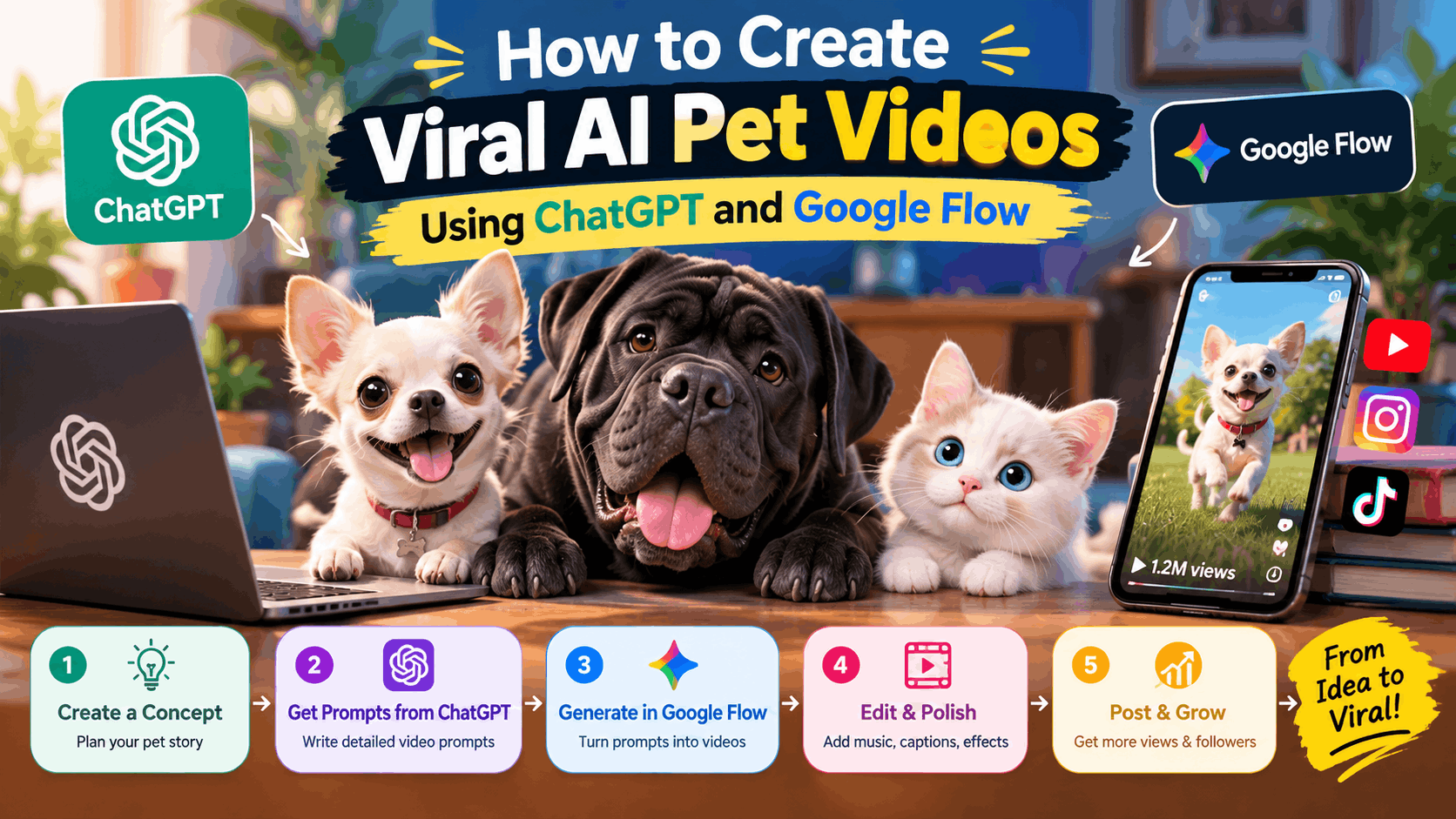
Short-form videos featuring AI-generated pets have taken over YouTube Shorts, Instagram Reels, and TikTok. Channels built entirely around fictional animated dogs, cats, and other characters are racking up millions of views without ever filming a real animal. If you want to break into this trend, all you need is a strong concept, a well-written prompt, and the right AI video tool. Here’s a complete, easy-to-follow guide on how to create your own viral AI pet videos using ChatGPT for prompt writing and Google Flow for video generation.
Why AI Pet Videos Are Going Viral
AI pet content works because it combines cuteness, humor, and relatability without the cost or unpredictability of filming real animals. Viewers connect with recurring characters — a mischievous small dog, a gentle giant breed, or a sassy cat — the same way they would with a cartoon. Once a channel establishes consistent characters and a comedic style, audiences keep coming back for the next episode, which is exactly what platforms like YouTube Shorts reward with higher reach.
Step 1: Build a Simple, Repeatable Concept
Before touching any AI tool, decide on your format. Popular approaches include:
- A comedic duo with contrasting personalities (a troublemaker and a calm companion)
- A single character navigating everyday, relatable situations
- Prank or reaction-style clips
- Wholesome, feel-good moments
The key to going viral isn’t a single great video — it’s a consistent series people want to follow.
Step 2: Use ChatGPT to Write Strong Video Prompts
ChatGPT is your scriptwriter. Instead of typing a vague idea into a video generator, ask ChatGPT to expand it into a detailed, cinematic prompt. A well-structured prompt should include:
- Character details – breed, size, color, and personality traits
- Setting – where the scene takes place
- Action – what the character is doing, moment by moment
- Camera direction – close-up, wide shot, single continuous take
- Mood and tone – funny, heartwarming, dramatic
- Sound cues – dialogue, background noise, or sound effects
Example of a ChatGPT-generated prompt:
“A small mischievous terrier sneaks up on a sleeping giant mastiff and steals his favorite toy, shot in a single continuous take, warm cozy lighting, comedic timing, soft background hum of a television.”
Simply ask ChatGPT: “Write a detailed, cinematic video prompt for [your idea] optimized for an AI video generator.” It will handle the heavy lifting of turning a rough idea into a production-ready description.
Step 3: Generate the Video in Google Flow
Once your prompt is ready, head to Google Flow, Google’s AI filmmaking tool powered by the Veo video model. Here’s how to use it effectively:
- Open Google Flow through your Google AI subscription.
- Paste the ChatGPT-generated prompt into the tool.
- Select the latest available Veo model for the best quality and native audio support.
- Use the consistent-character and “Jump To” tools to keep your character looking the same across multiple clips.
- Use start-and-end frame controls to smoothly transition between scenes.
- Generate the clip and preview it before moving forward.
Step 4: Keep Your Characters Consistent
The biggest difference between a random AI clip and an actual viral channel is consistency. Successful creators keep a written reference sheet for each character — exact color, size, facial features, and personality quirks — and reuse those same details in every prompt. This is what makes audiences recognize and follow a “cast” of AI animals over time.
Clickk Here: Best AI Video Generator for Long-Form Video Content in 2026
Step 5: Edit and Polish Your Clips
- Generate short 8–10 second clips and stitch them together in an editor like CapCut or Premiere.
- Add trending audio or music to boost discoverability.
- Include captions or subtitles if your video has dialogue.
- Keep the final video vertical (9:16) for Shorts and Reels.
Step 6: Optimize for Virality
- Hook viewers in the first two seconds — this is the single biggest factor in Shorts performance.
- Post consistently, ideally daily or every other day.
- Build a series format (Part 1, Part 2) to encourage follows and repeat views.
- Use ChatGPT to generate catchy, SEO-friendly captions and trending hashtags for each upload.
Final Thoughts
Creating viral AI pet videos isn’t about luck — it’s about combining a strong creative concept, precise ChatGPT prompts, and Google Flow’s video generation tools into a repeatable workflow. Focus on consistent characters, sharp hooks, and regular posting, and you’ll have everything you need to build an audience the same way top AI pet channels have.